Understand
Identify the repetitive task, the tools you use and what a useful result looks like.
HAROON · AI AUTOMATION DEVELOPER
YOUR TOOLS. WORKING TOGETHER.
I connect your tools and build practical AI workflows — so you can spend less time on repetitive tasks and more time on the work that matters.

SELECTED WORK / AUTOMATION LIBRARY
Explore 30 project examples built around everyday business tasks. Open any project to see its purpose, workflow and tools.
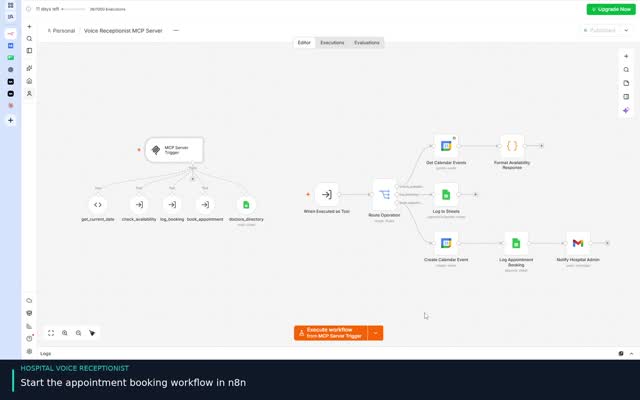 VIEW PROJECT ↗
Help callers request a doctor’s appointment through a guided voice booking conversation.
View project & demo →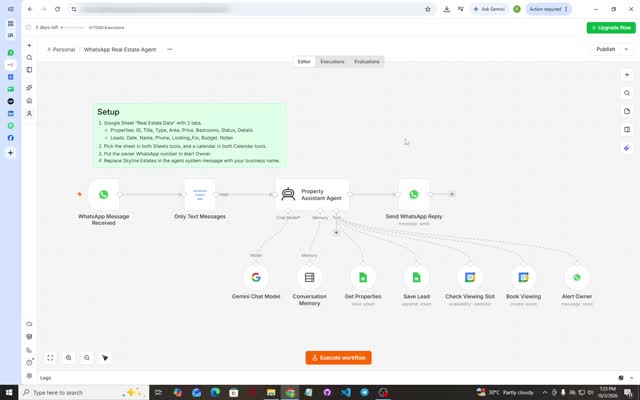 VIEW PROJECT ↗
Answer property inquiries, capture leads and coordinate viewing appointments in WhatsApp.
View project & demo →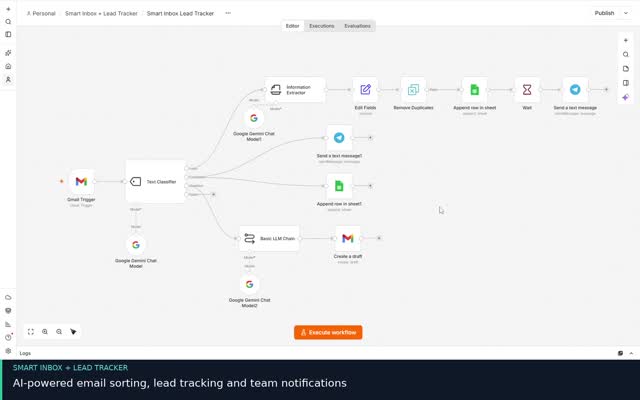 VIEW PROJECT ↗
Organize incoming email inquiries and complaints, track follow-up and deliver a daily summary.
View project & demo →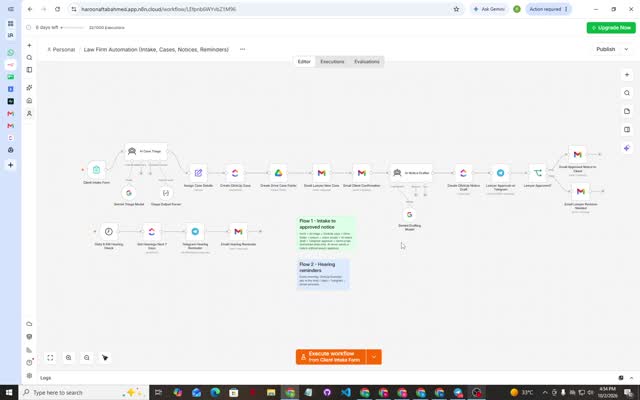 VIEW PROJECT ↗
Organize intake, case records, draft notices and hearing reminders with lawyer review.
View project & demo →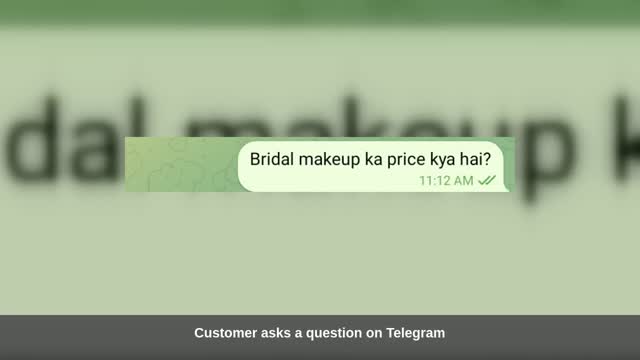 VIEW PROJECT ↗
Make business documents searchable through a conversational Telegram assistant.
View project & demo →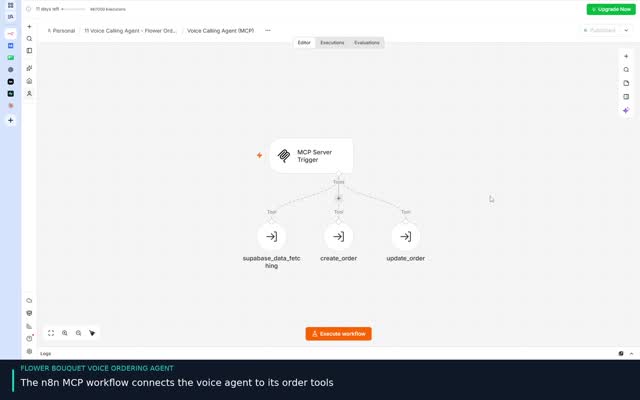 VIEW PROJECT ↗
Help callers explore bouquets and place an order through a guided voice conversation.
View project & demo →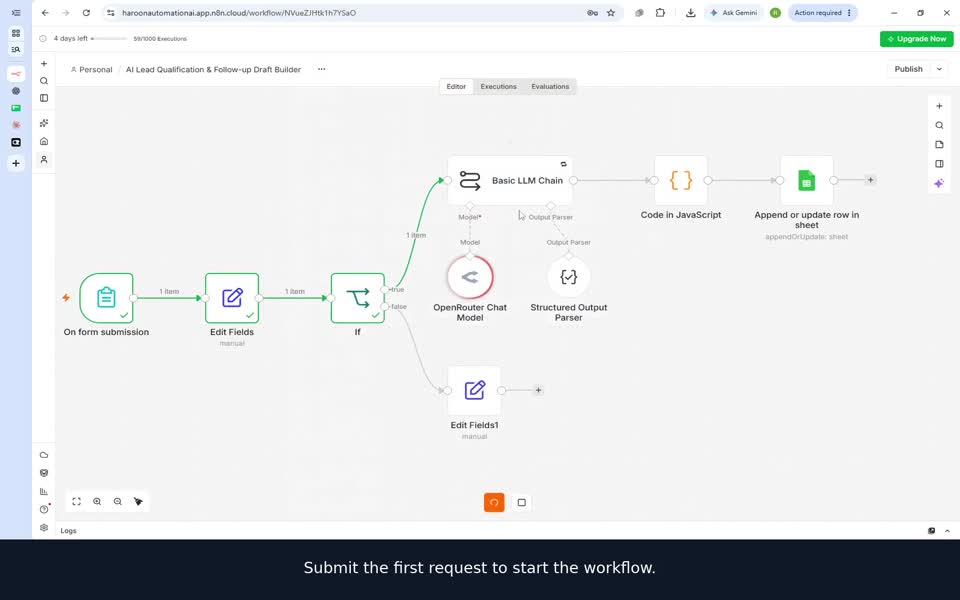
Review incoming automation inquiries with AI and prepare a tailored follow-up draft for human review.
View project & demo →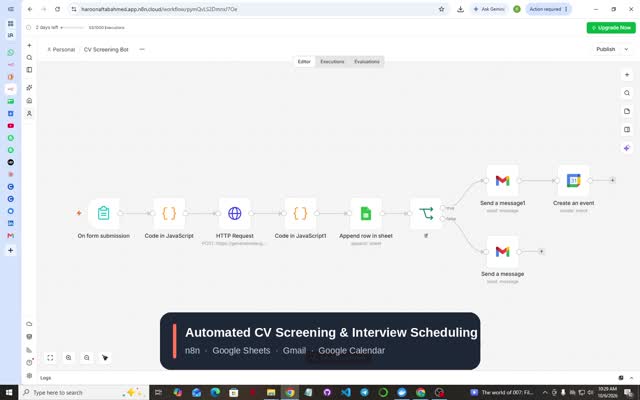 VIEW PROJECT ↗
Collect CVs through a form and organize AI scores and feedback for recruitment review.
View project & demo →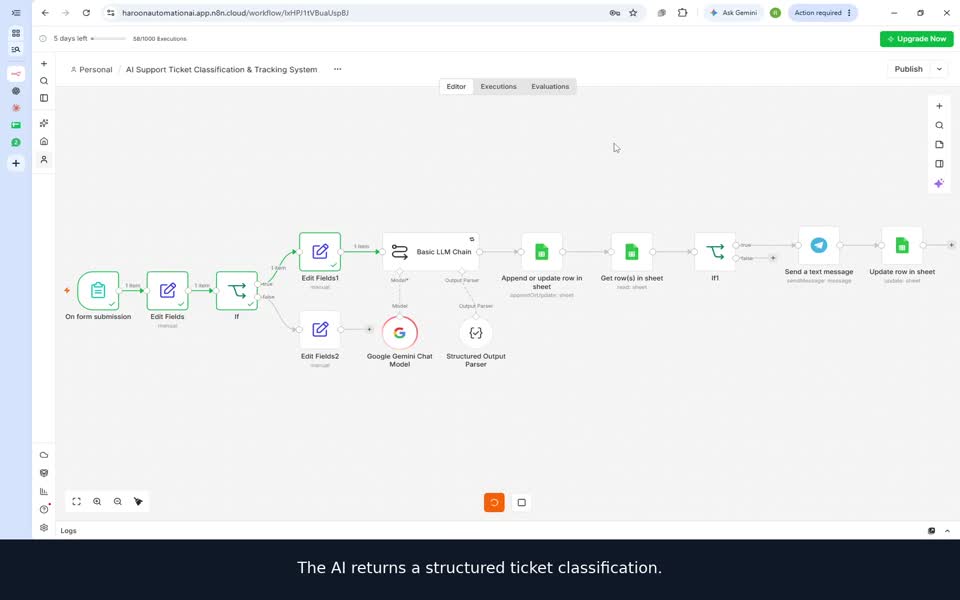
Classify support requests with AI, track tickets in Google Sheets and notify the team through Telegram.
View project & demo →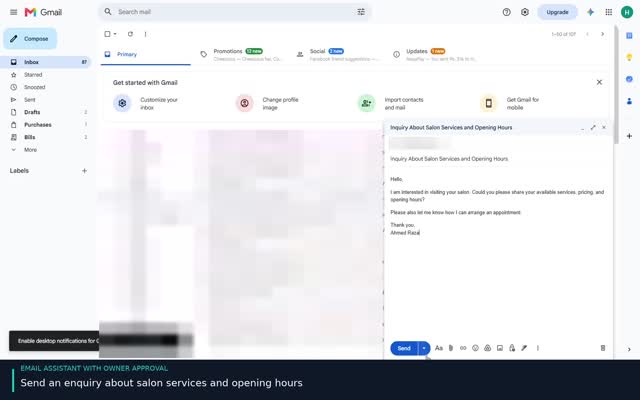 VIEW PROJECT ↗
Prepare customer replies with AI and keep a human approval step before sending.
View project & demo →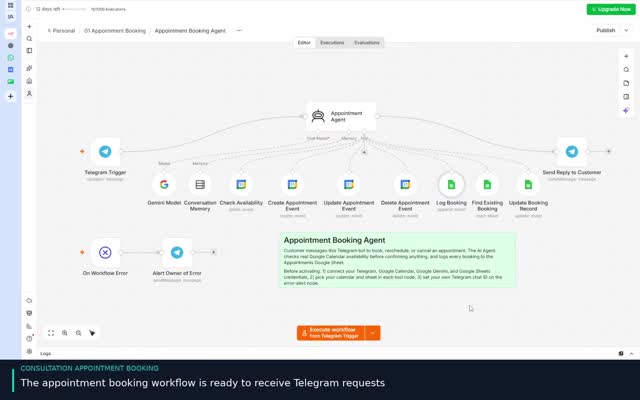 VIEW PROJECT ↗
Book consultation appointments through Telegram and follow up with an appointment reminder.
View project & demo →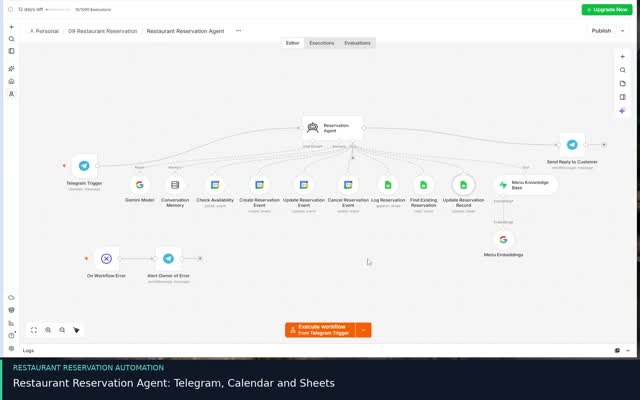 VIEW PROJECT ↗
Manage restaurant reservations and answer menu questions through Telegram.
View project & demo →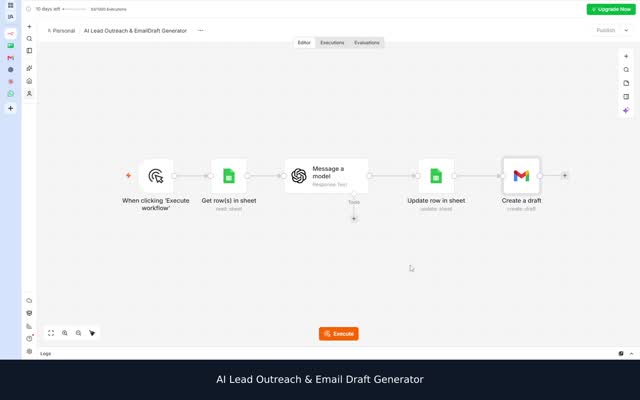 VIEW PROJECT ↗
Turn lead information in Google Sheets into personalized outreach copy and Gmail drafts for review.
View project & demo →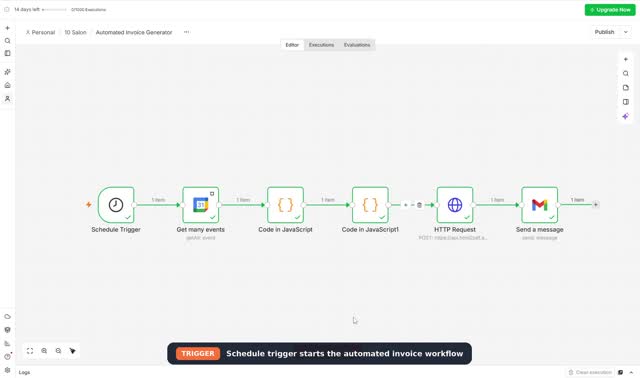 VIEW PROJECT ↗
Turn calendar appointment details into a formatted invoice and deliver it by email.
View project & demo →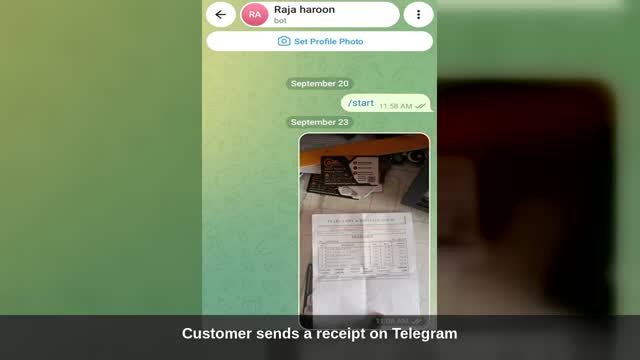 VIEW PROJECT ↗
Convert receipt photos sent in Telegram into structured expense records.
View project & demo →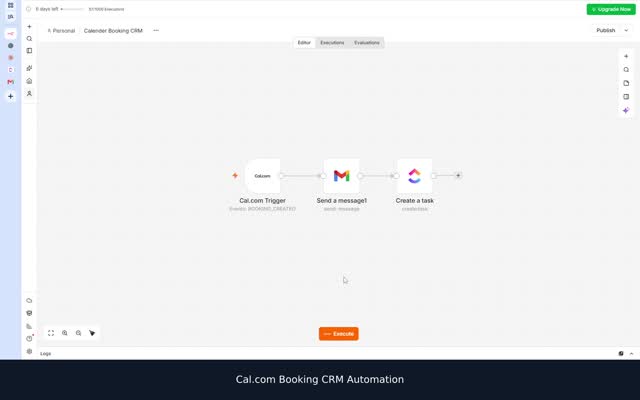 VIEW PROJECT ↗
Capture a Cal.com booking and create a corresponding guest entry in ClickUp CRM.
View project & demo →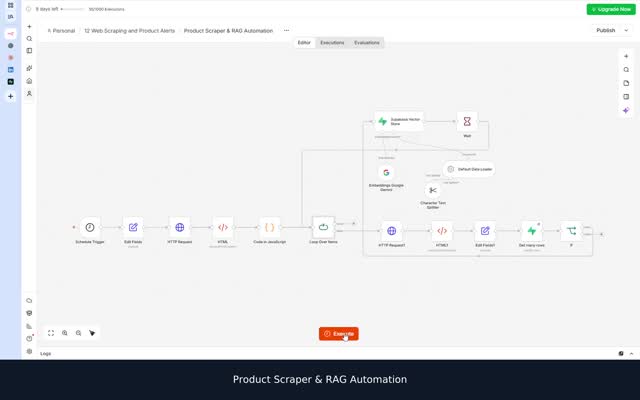 VIEW PROJECT ↗
Collect product page content and prepare it for retrieval using embeddings and a Supabase vector store.
View project & demo →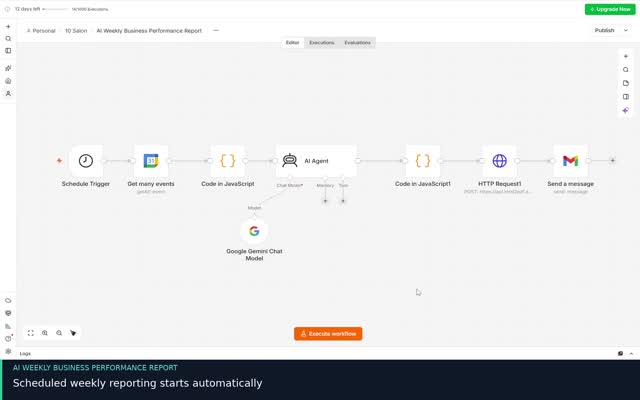 VIEW PROJECT ↗
Summarize appointment activity and estimated service revenue in an AI-assisted report.
View project & demo →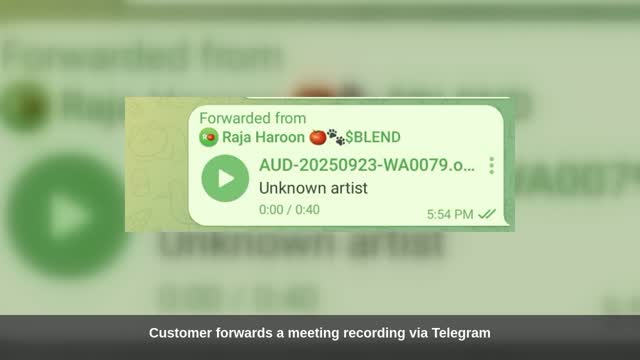 VIEW PROJECT ↗
Turn Telegram meeting audio into summaries, decisions and action items.
View project & demo →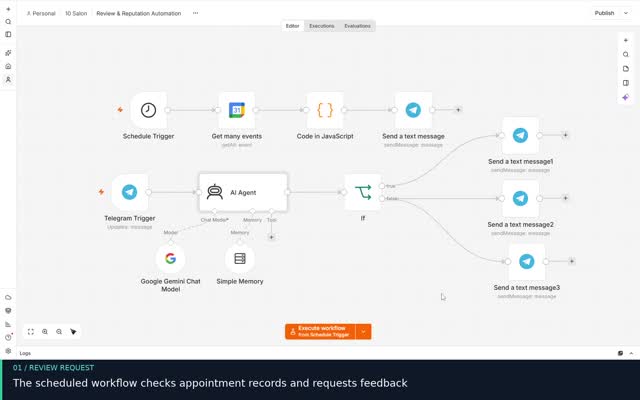 VIEW PROJECT ↗
Request customer feedback after an appointment and handle responses through Telegram.
View project & demo →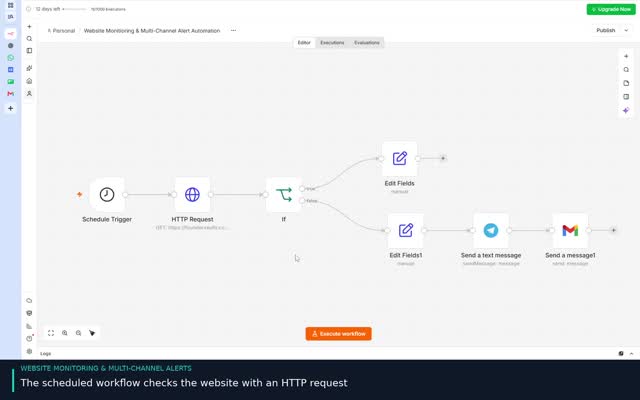 VIEW PROJECT ↗
Monitor website availability and notify the owner when the site goes down and comes back online.
View project & demo →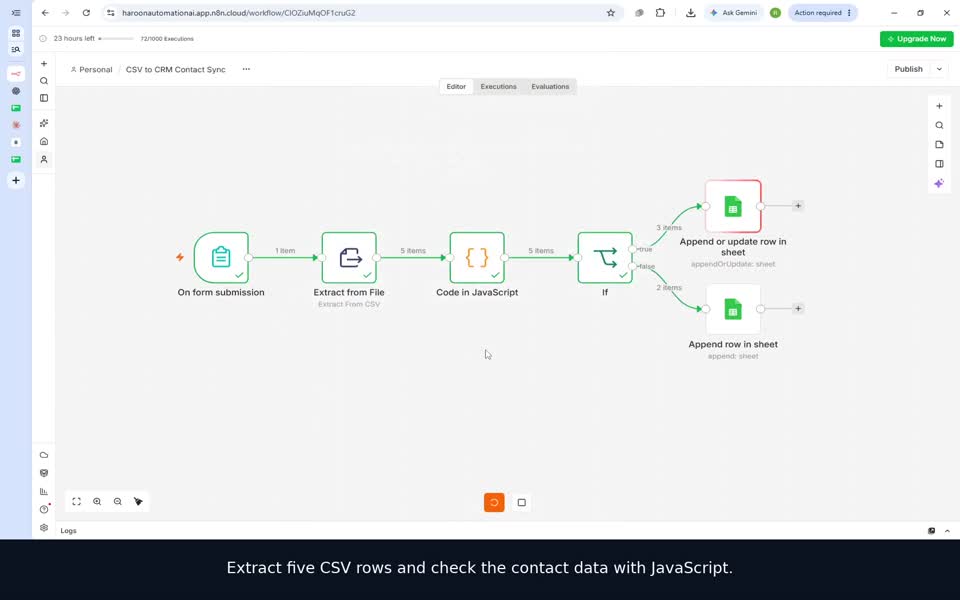
Validate uploaded CSV contacts, sync valid records and log duplicates or invalid emails for review.
View project & demo →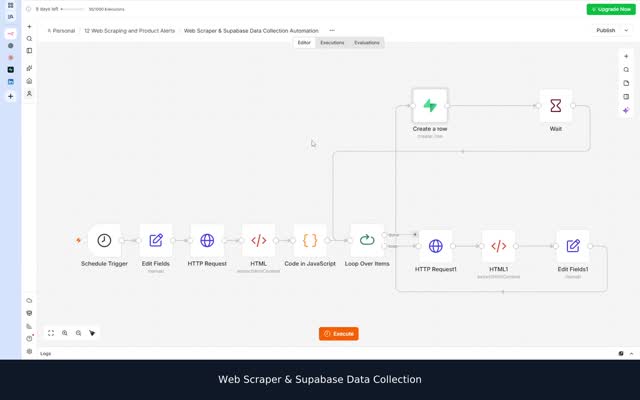 VIEW PROJECT ↗
Collect product information from web pages and organize it as structured Supabase records.
View project & demo →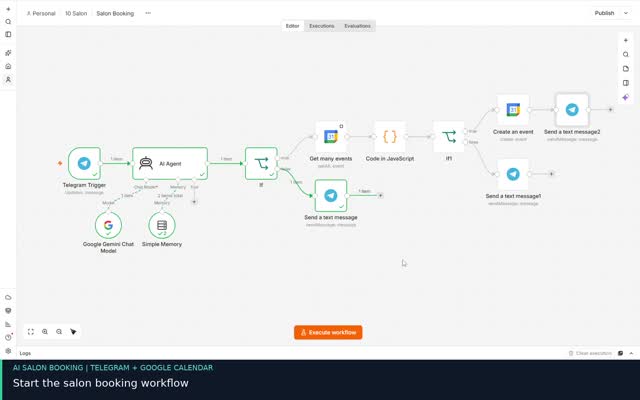 VIEW PROJECT ↗
Turn Telegram inquiries into calendar bookings with an AI assistant.
View project & demo →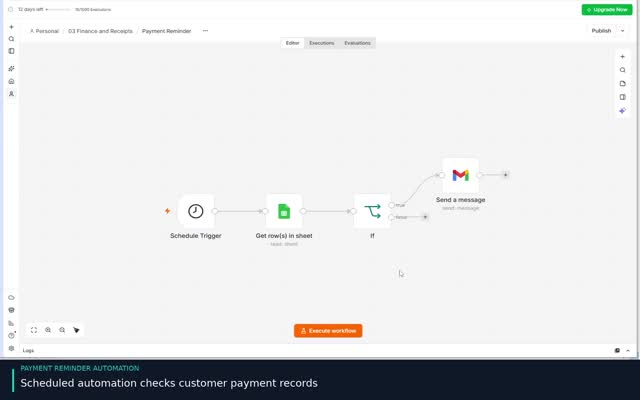 VIEW PROJECT ↗
Check payment records on a schedule and send email reminders for matching records.
View project & demo →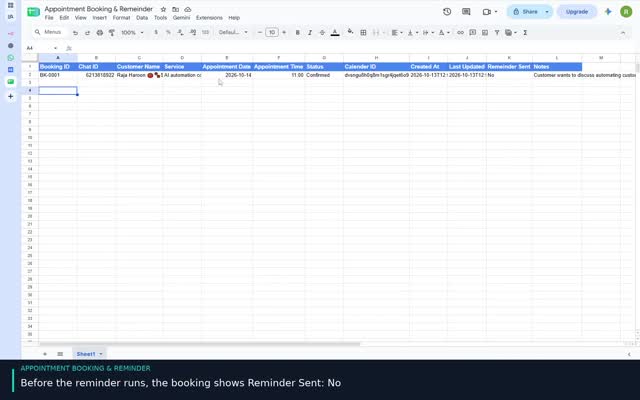 VIEW PROJECT ↗
Find upcoming appointments and send Telegram reminders with a recorded sent status.
View project & demo →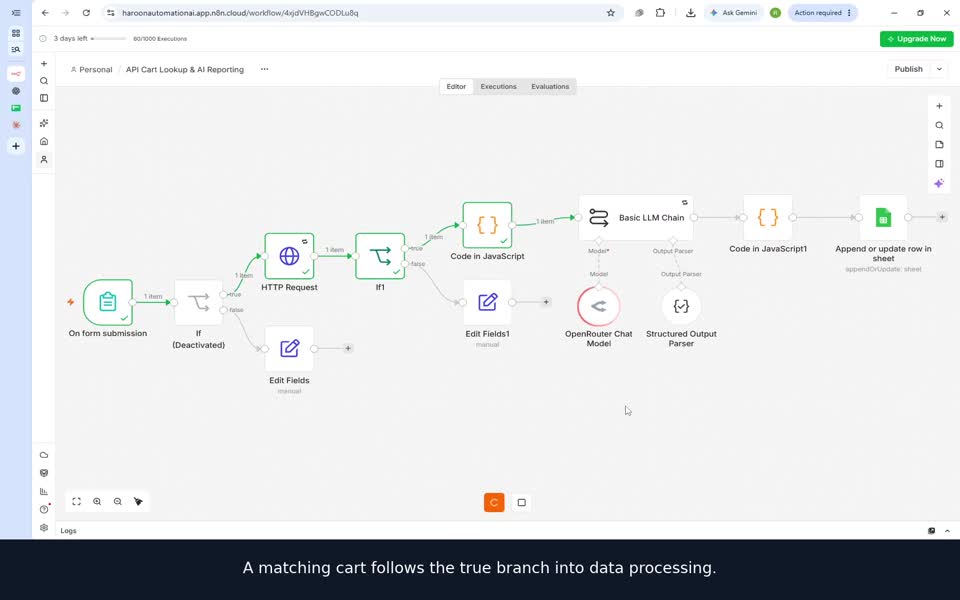
Look up a cart by ID through an API, summarize its contents with AI and save a structured internal report.
View project & demo →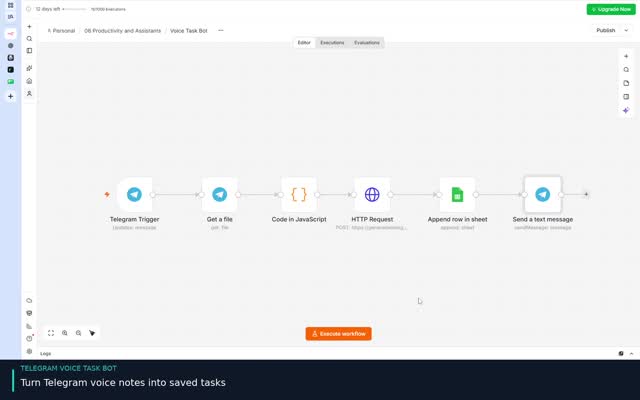 VIEW PROJECT ↗
Capture a spoken task in Telegram and turn it into a structured spreadsheet entry.
View project & demo →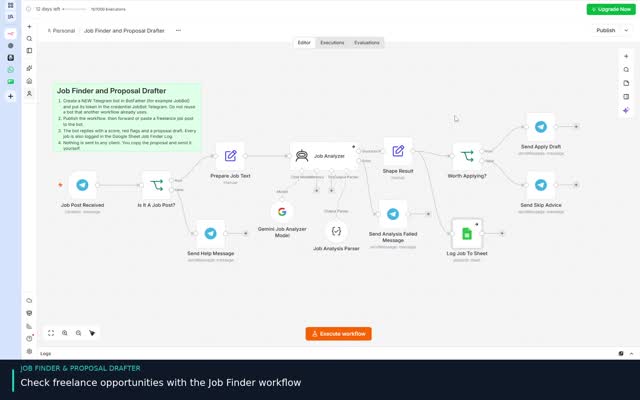 VIEW PROJECT ↗
Analyze a job post shared in Telegram and prepare a proposal draft for review.
View project & demo →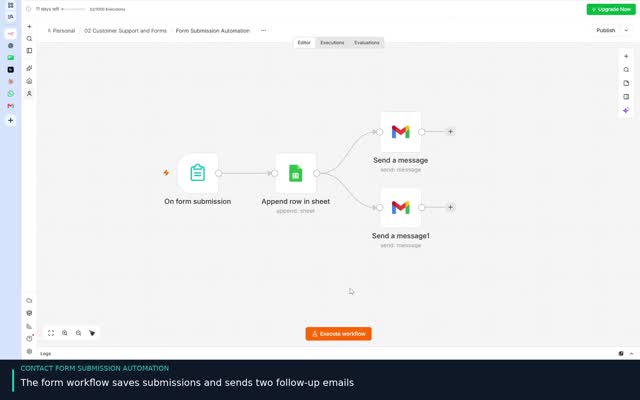 VIEW PROJECT ↗
Capture form submissions, send email notifications and keep a spreadsheet record.
View project & demo →No matching projects. Try another keyword or select All projects.
Explore recorded portfolio demos. Each workflow can be adapted and tested for your tools, data and business process.
WHAT I BUILD / FOR YOUR BUSINESS
Start with the task that slows you down. We’ll connect the tools and shape the workflow around your business.
Connect your forms, calendars, inbox and spreadsheets into one practical process. From a new inquiry to a booking, invoice or reminder, each step has a clear purpose.
SEE THE WORKFLOW ↗Build voice interactions that collect details, check availability or prepare an order through connected tools. Your business rules shape what the agent can do.
SEE THE WORKFLOW ↗Organize incoming requests, prepare replies for approval and retrieve answers from your own business documents. Keep human decisions where they matter.
SEE THE WORKFLOW ↗Move and organize information across your tools. Prepare structured records or searchable knowledge from permitted sources and agreed business inputs.
SEE THE WORKFLOW ↗ THE PERSON BEHIND THE WORK
HELLO, I’M HAROON
I build n8n workflows and AI integrations for small businesses, agencies and service teams. My focus is straightforward: understand the task, connect the right tools and make the workflow easier to manage.
This portfolio brings together my automation projects, from simple form handling to AI assistants and document-based search. Each project explains what it does and where it can fit into a business.
FROM IDEA TO HANDOVER
We start with one useful outcome and build a workflow around it.
Identify the repetitive task, the tools you use and what a useful result looks like.
Map the steps and connect your systems with the approvals your process needs.
Check realistic examples, missing inputs and failure paths before launch.
Set up the workflow and walk you through how to use and maintain it.
A FEW USEFUL ANSWERS
Yes. These projects are starting points. We can adapt the fields, channels, tools and approval rules after reviewing your requirements.
Each project has its own demo section. All twenty-six projects include recorded demos. Look for “View project & demo” on a project card, then open its Demo section. More recordings will be added gradually.
A description of your current process, the tools you use and a few sample inputs and expected outputs. Account access is arranged securely during implementation.
Hosting, API usage and third-party subscriptions depend on your tools and usage. We’ll discuss these alongside the build scope before starting.
LET’S MAKE ROOM FOR BETTER WORK
Tell me the task, the tools you use and where things slow down.
We’ll explore a practical next step.
Share the task, the tools you use and the result you need. Start a WhatsApp conversation, email haroonautomation.ai@gmail.com, or explore my work on Fiverr, Upwork, LinkedIn and Facebook.
Prefer a project first? Browse the portfolio →