New appointments need to be copied into a separate CRM for follow-up.
BOOKINGS / PROJECT 16
Cal.com Booking to ClickUp CRM
Capture a Cal.com booking and create a corresponding guest entry in ClickUp CRM.
Portfolio implementation · Demo available
01 / PROJECT OVERVIEW
Keep booking details connected to your CRM.
Capture a Cal.com booking and create a corresponding guest entry in ClickUp CRM.
Capture a Cal.com booking and create a corresponding guest entry in ClickUp CRM.
The demo shows a Cal.com booking followed by a new guest entry in ClickUp CRM.
Who it’s for
Consultants and service teams that want appointment details available in their CRM without retyping them.
02 / HOW IT WORKS
From input to outcome.
A simplified walkthrough of the workflow’s main stages.
- 01Guest selects a Cal.com appointment
- 02Collect booking form details
- 03Process the booking event in n8n
- 04Create the guest record in ClickUp CRM
03 / FEATURES & TOOLS
What’s inside.
- Guest selects a Cal.com appointment
- Collect booking form details
- Process the booking event in n8n
- Create the guest record in ClickUp CRM
Technologies used
Adapt this demo to your business
We’ll configure your tools, data and approval rules, then test the workflow with your process before launch.
04 / PROJECT DEMO
See the workflow in action.
KEEP EXPLORING
Related projects.
 VIEW PROJECT ↗
/07Bookings↗
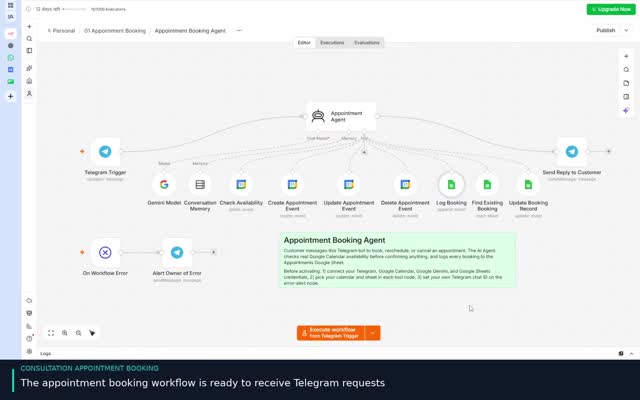
Consultation Booking & Reminder
Book consultation appointments through Telegram and follow up with an appointment reminder.
View project & demo →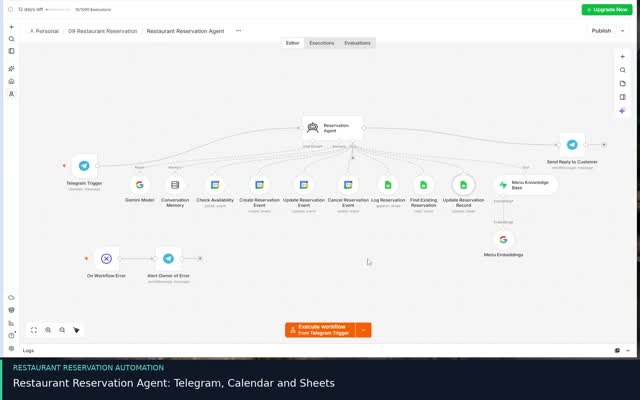 VIEW PROJECT ↗
/12Bookings↗
Restaurant Reservation Agent
Manage restaurant reservations and answer menu questions through Telegram.
View project & demo →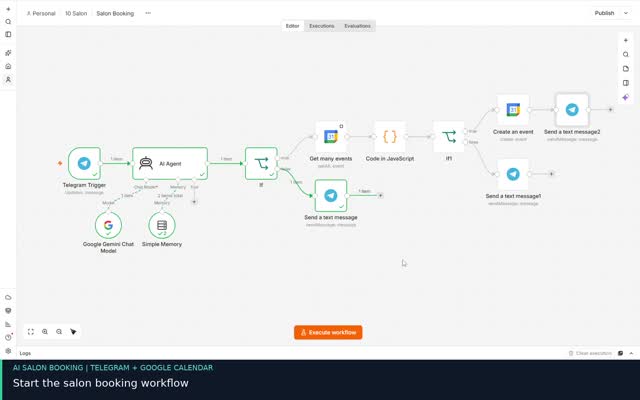 VIEW PROJECT ↗
/19Bookings↗
Salon Booking System
Turn Telegram inquiries into calendar bookings with an AI assistant.
View project & demo →