Requesting and organizing customer feedback takes repeated manual follow-up.
SUPPORT / PROJECT 20
Customer Review System
Request customer feedback after an appointment and handle responses through Telegram.
Portfolio implementation · Demo available
01 / PROJECT OVERVIEW
Follow an appointment with a feedback request.
Request customer feedback after an appointment and handle responses through Telegram.
Request customer feedback after an appointment and handle responses through Telegram.
A Telegram feedback request and response-based follow-up after an appointment.
Who it’s for
Appointment-based businesses collecting feedback and following up with customers.
02 / HOW IT WORKS
From input to outcome.
A simplified walkthrough of the workflow’s main stages.
- 01Identify a completed appointment
- 02Send a feedback request
- 03Process the customer response
- 04Route the follow-up message
03 / FEATURES & TOOLS
What’s inside.
- Identify a completed appointment
- Send a feedback request
- Process the customer response
- Route the follow-up message
Technologies used
Adapt this demo to your business
We’ll configure your tools, data and approval rules, then test the workflow with your process before launch.
04 / PROJECT DEMO
See the workflow in action.
KEEP EXPLORING
Related projects.
 VIEW PROJECT ↗
/02Support↗
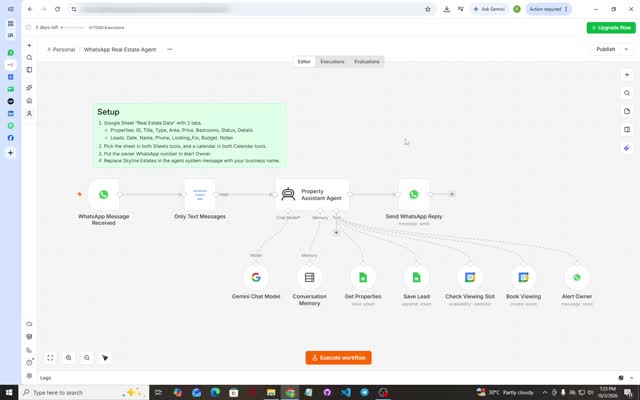
WhatsApp Real Estate Agent
Answer property inquiries, capture leads and coordinate viewing appointments in WhatsApp.
View project & demo →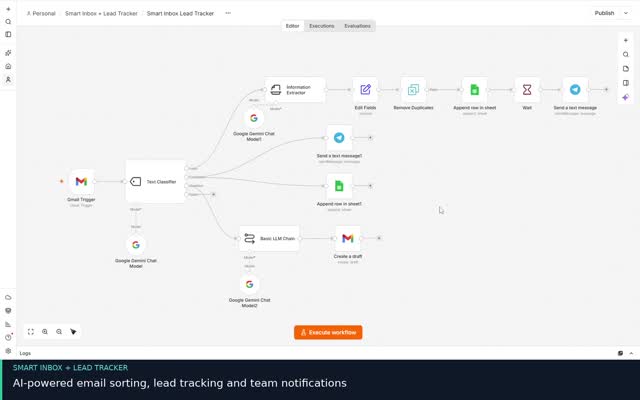 VIEW PROJECT ↗
/03Support↗
Smart Inbox & Lead Tracker
Organize incoming email inquiries and complaints, track follow-up and deliver a daily summary.
View project & demo →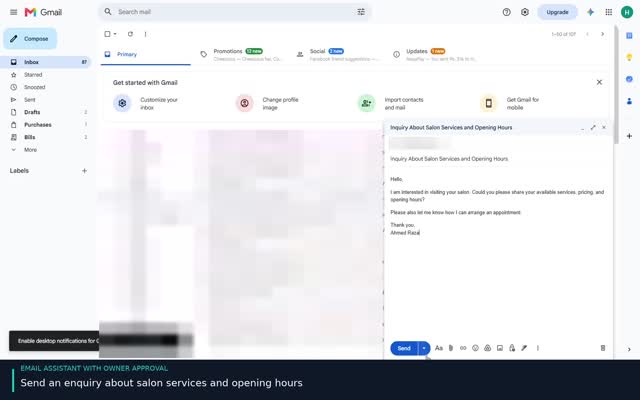 VIEW PROJECT ↗
/09Support↗
AI Email Assistant
Prepare customer replies with AI and keep a human approval step before sending.
View project & demo →