Contact-form details need to reach the right inbox and be recorded for follow-up.
OPERATIONS / PROJECT 30
Form Submission Automation
Capture form submissions, send email notifications and keep a spreadsheet record.
Portfolio implementation · Demo available
01 / PROJECT OVERVIEW
Give every inquiry a clear next step.
Capture form submissions, send email notifications and keep a spreadsheet record.
Capture form submissions, send email notifications and keep a spreadsheet record.
Configured email notifications and a Google Sheets record from the submitted form.
Who it’s for
Businesses collecting inquiries, registrations or service requests.
02 / HOW IT WORKS
From input to outcome.
A simplified walkthrough of the workflow’s main stages.
- 01Receive form submission
- 02Prepare submitted details
- 03Send configured emails
- 04Append record in Sheets
03 / FEATURES & TOOLS
What’s inside.
- Receive form submission
- Prepare submitted details
- Send configured emails
- Append record in Sheets
Technologies used
Adapt this demo to your business
We’ll configure your tools, data and approval rules, then test the workflow with your process before launch.
04 / PROJECT DEMO
See the workflow in action.
KEEP EXPLORING
Related projects.
 VIEW PROJECT ↗
/04Operations↗
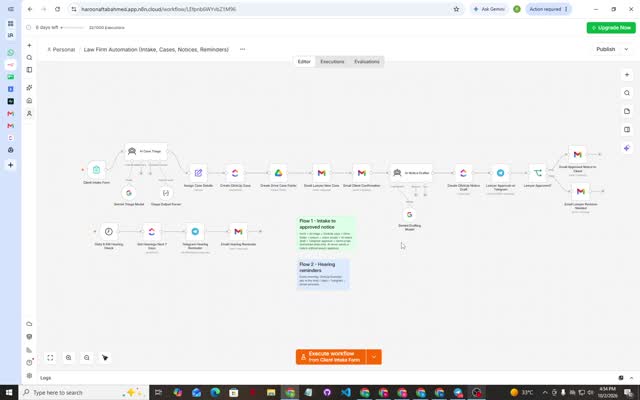
Law Firm Intake & Case Workflow
Organize intake, case records, draft notices and hearing reminders with lawyer review.
View project & demo →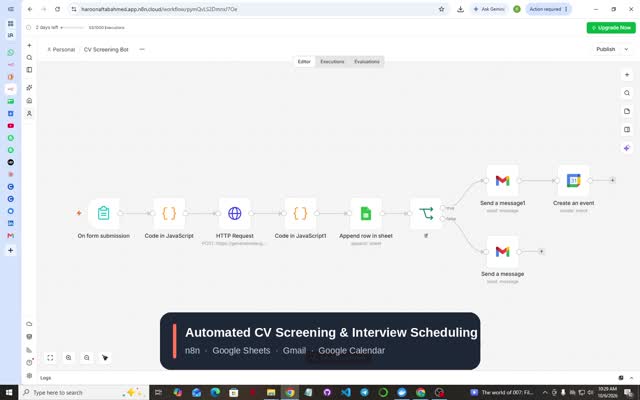 VIEW PROJECT ↗
/06Operations↗
CV Screening Bot
Collect CVs through a form and organize AI scores and feedback for recruitment review.
View project & demo →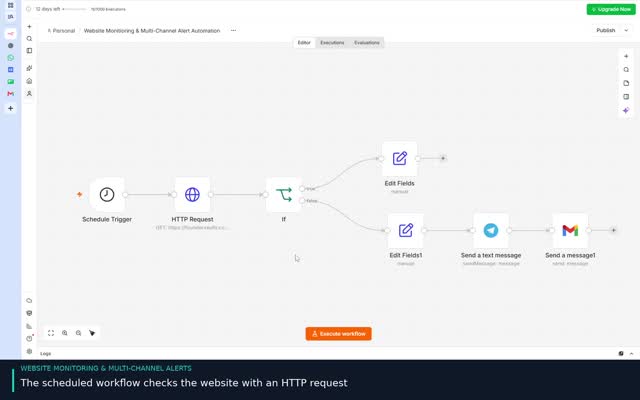 VIEW PROJECT ↗
/17Operations↗
Website Monitoring & Recovery Alerts
Monitor website availability and notify the owner when the site goes down and comes back online.
View project & demo →